3. Flash Images
Environment: Windows OS
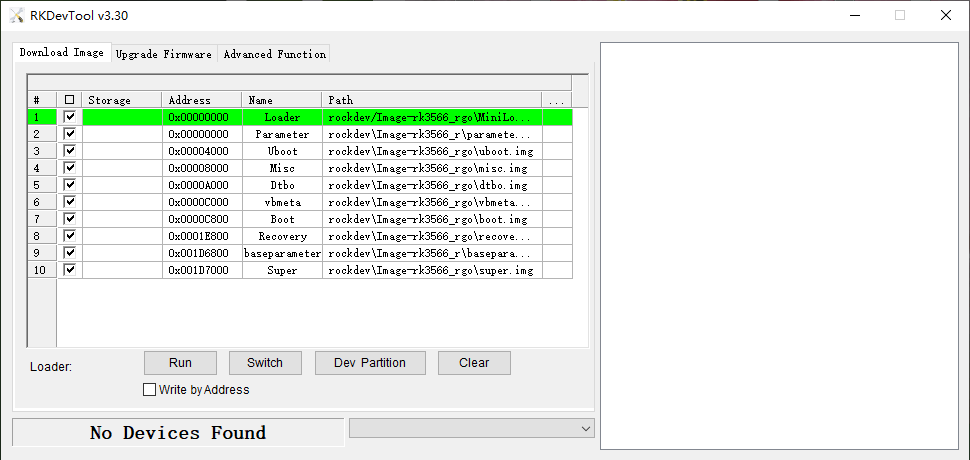
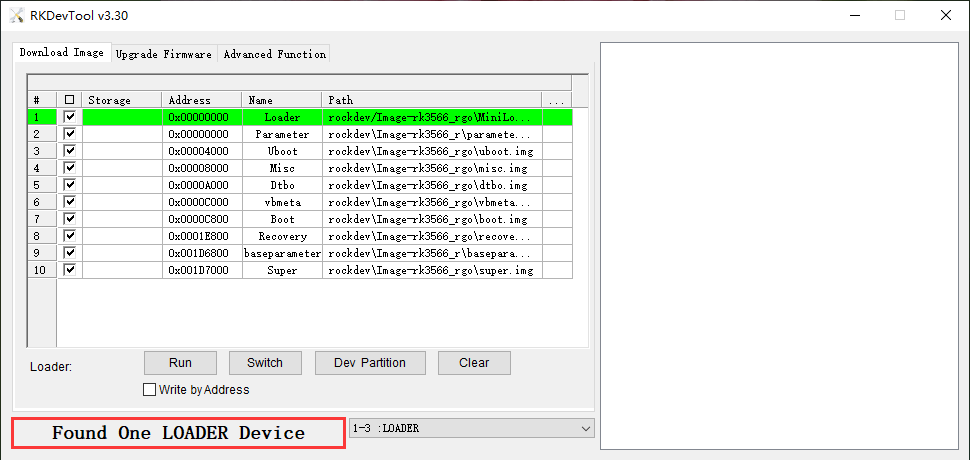
❶ Unzip RKDevTool_for_window.rar on Windows. Open RKDevTool.exe
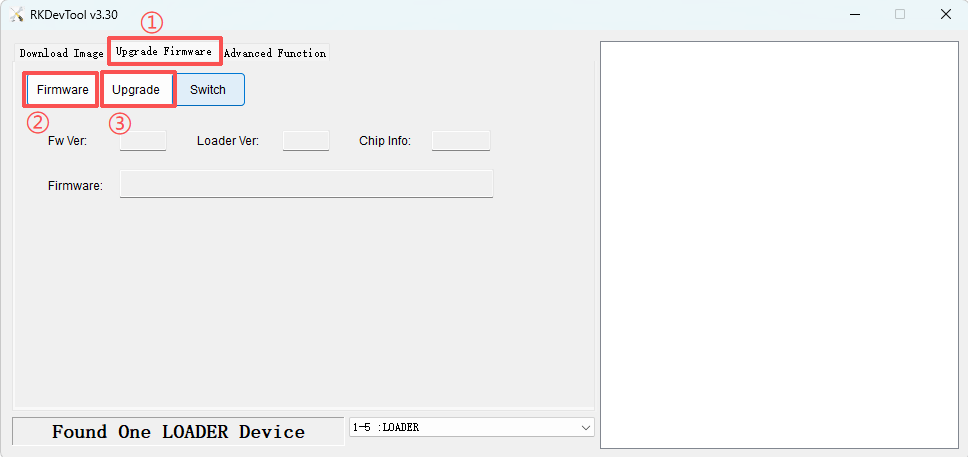
❸ Click Upgrade Firmware -> Firmware, select
update.img (Android14 or Android16 image). Click Upgrade to flash.
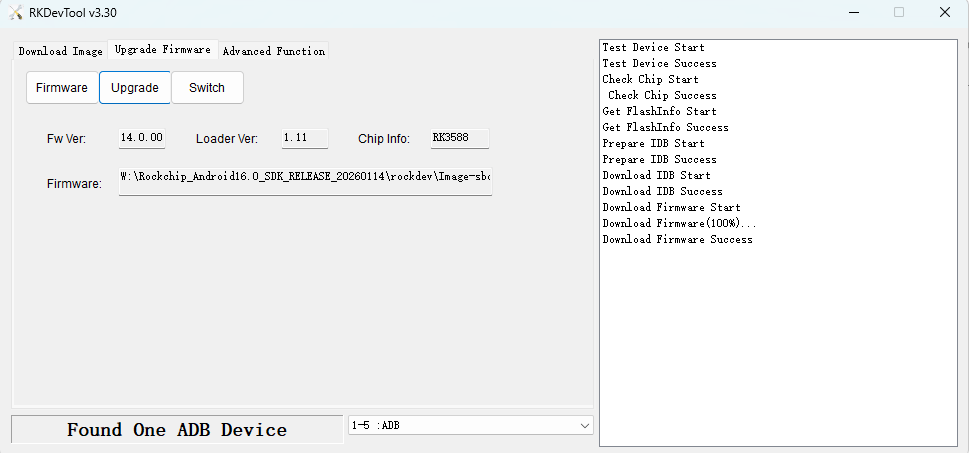
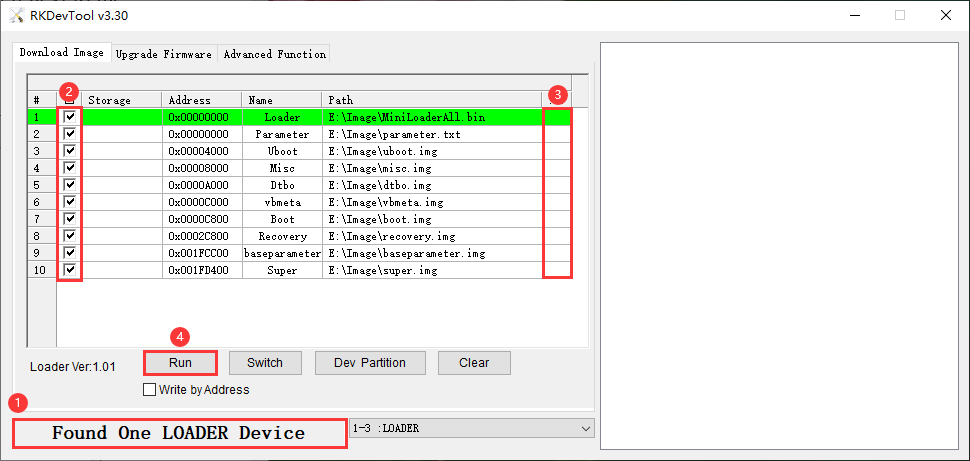
User can also update the firmware separately.
❷ Check the partitions to be flashed, multiple partitions can be selected.
❸ Ensure the image file path is correct. If necessary, click the blank cell next to the path to reselect it.
❹ Click Run to flash the image.