2. Loader Mode
In Loader mode, the bootloader will waiting for host commands for firmware upgrades.
2.1 Entering via Hardware
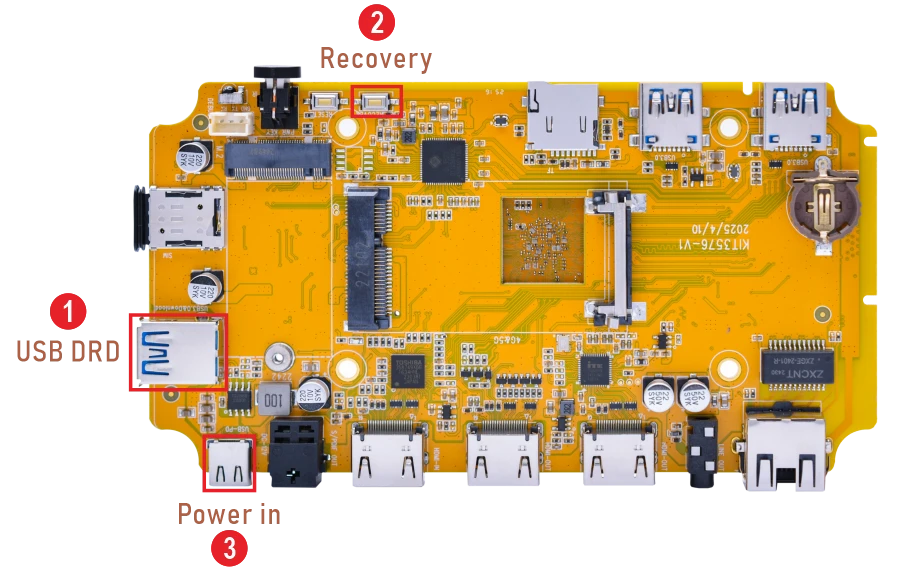
❶ Connect PC and development board with USB Type-A cable.
❷ Keep pressing the Recovery key.
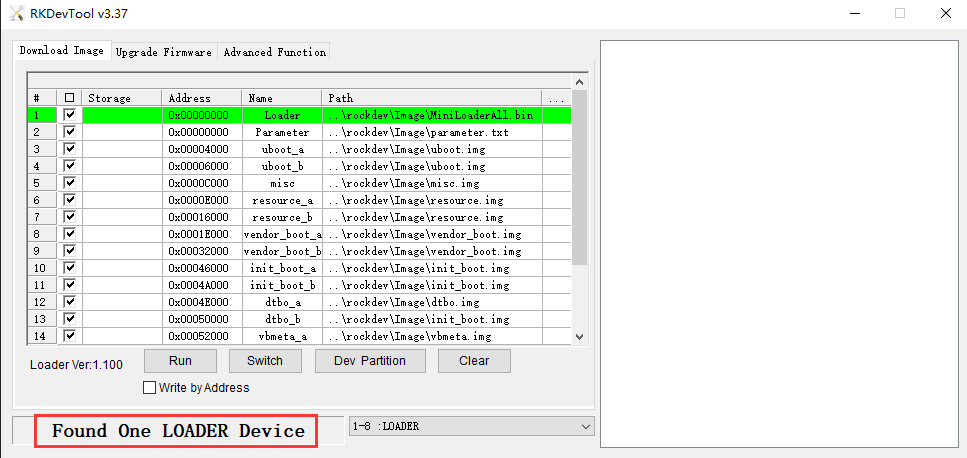
❸ Power the board until the windows PC shows Found One LOADER Device, then release the Recovery key .
2.2 Entering via Software
Connect the USB Type-A cable, execute command in the serial terminal or adb shell:
1reboot loader